Operational Data Store vs. Data Warehouse: When to Use Which
The question comes up often in data architecture discussions: if we already have a data warehouse, do we need an operational data store? Or if we are starting fresh, which one should we build first? The two often get treated as alternatives, but they are actually built for different jobs, and choosing the wrong one for the situation is more expensive than picking neither.
This guide is a practical comparison. It covers what each one does, where each one wins, where the confusion usually starts, and how to decide which one your organization actually needs.
The One-Line Difference
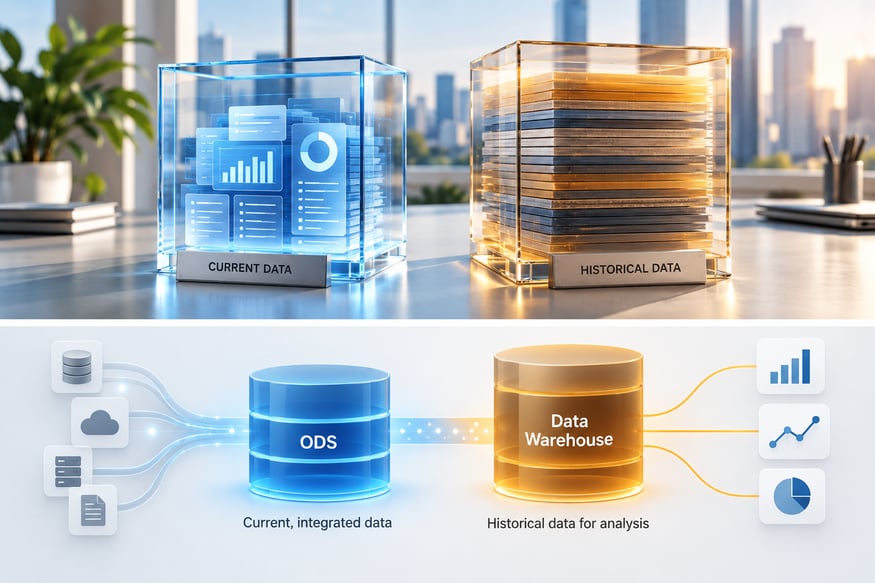
An operational data store holds current, integrated data optimized for near-real-time access. A data warehouse holds historical data optimized for analytical queries over time.
Everything else in this comparison flows from that distinction. If you understand it, the rest of the choices become clearer.

What Each One Is Built For
The operational data store exists to answer questions about what is happening now. It pulls data from operational systems on a continuous or near-continuous basis, consolidates it, and makes it queryable within minutes of the source change. It typically holds a rolling window of recent data, ranging from days to a few weeks, and is optimized for fast reads and frequent writes.
Typical use cases include operational dashboards that need current numbers, customer service tools that need a live view across systems, applications that consume integrated operational data, and regulatory or compliance reporting that requires current state across sources.
The data warehouse exists to answer questions about what has happened over time. Data arrives in batches, usually on scheduled refresh cycles ranging from hourly to daily, and stays in the warehouse for months or years. The warehouse is optimized for complex analytical queries that scan large volumes of historical data.
Typical use cases include business intelligence reporting on trends and performance, executive dashboards focused on historical metrics, data science and machine learning on longitudinal datasets, and any analysis that requires comparing periods, cohorts, or segments over time.
Comparing Them Side by Side
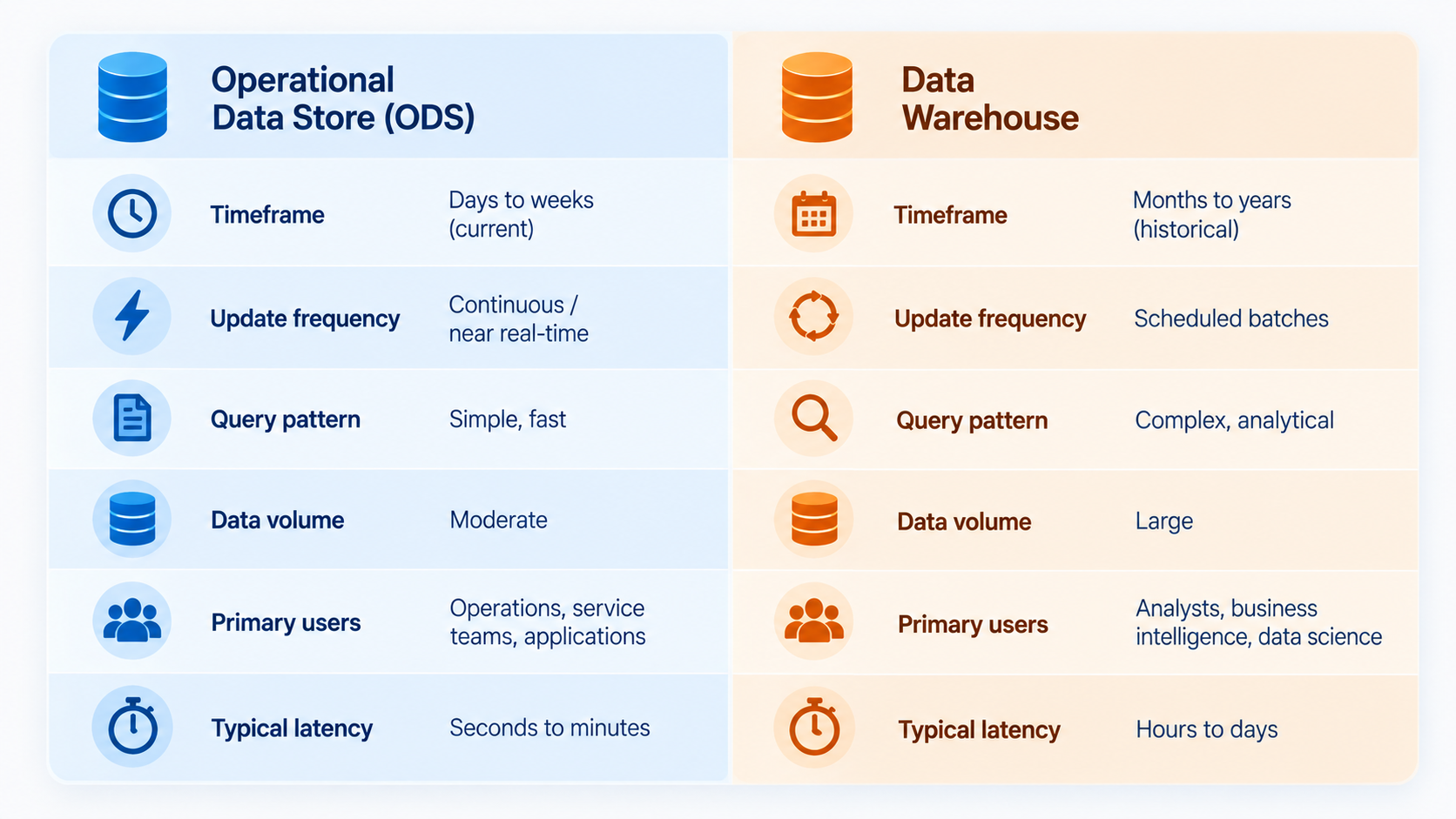
| Dimension | Operational Data Store | Data Warehouse |
|---|---|---|
| Data timeframe | Current, days to weeks | Historical, months to years |
| Update frequency | Continuous or near-real-time | Scheduled batches |
| Query pattern | Simple, fast, on current state | Complex, analytical, on aggregates |
| Data volume | Moderate (current slice) | Large (historical archive) |
| Primary users | Operations, service teams, applications | Analysts, business intelligence, data science |
| Typical latency | Seconds to minutes | Hours to days |
| Retention | Rolling window | Long-term |
The dimensions matter because they translate directly into design choices, technology selection, and cost. An ODS built with warehouse tooling is expensive and slow at what it should do fast. A warehouse built for real-time updates loses the analytical performance that justifies its existence.
Where the Confusion Starts
Two situations create the most confusion.
When the warehouse is used for operational queries. Some organizations skip the ODS and try to run operational reporting directly against the warehouse. It works for a while, but as latency requirements tighten and query loads grow, the warehouse starts underperforming at both jobs. The signal is usually a shortening acceptable refresh window and a growing number of "urgent" reports that need data fresher than the warehouse can provide.
When the ODS is used for historical analysis. Less common, but equally problematic. An ODS is not built to hold years of data, and queries that scan long time ranges either underperform or force storage decisions the ODS was not designed for. The signal is usually the emergence of "we should really keep this data" conversations that push retention beyond the operational window.
The two architectures are not competing solutions to the same problem. They are complementary layers, each doing its job well, and most mature data stacks include both.
How to Decide Which One You Need
The decision usually comes down to what questions you are trying to answer and how quickly you need answers.
Start with an operational data store if:
- You need current data from multiple systems consolidated for daily operations
- Query load against production databases is causing performance issues
- Downstream applications need a stable interface to integrated operational data
- Time-to-decision matters more than depth of history
Start with a data warehouse if:
- You need to analyze trends, patterns, and comparisons over months or years
- Business intelligence and executive reporting are the primary consumers
- Data science or machine learning requires longitudinal datasets
- Historical accuracy and comprehensiveness matter more than freshness
Use both when:
- Different teams have both kinds of needs (which is common)
- You want the ODS to serve as a clean, integrated staging layer that feeds the warehouse
- Regulatory or compliance requirements demand both current-state reporting and historical archives
In stacks that include both, the ODS typically feeds the warehouse rather than the other way around. The ODS ingests continuously from source systems, and the warehouse pulls integrated snapshots from the ODS on its refresh schedule.
A Note on Modern Alternatives
Cloud-native data platforms have blurred some traditional boundaries. Lakehouse architectures combine warehouse and lake capabilities in one system. Real-time analytics databases handle workloads that would once have required both an ODS and a warehouse. Streaming platforms can serve as the operational integration layer without a traditional ODS.
These modern approaches do not eliminate the distinction between operational and analytical workloads. They give organizations more flexibility in how to serve each, but the underlying question, whether you need current-state access or historical analysis or both, remains the one that drives architectural choices.
For a broader view of how storage-centric architectures compare with movement-centric ones, see our guide to data hub vs. data warehouse. For the definitional context on ODS itself, see what is an operational data store.
FAQ
Can an operational data store replace a data warehouse?
Only in narrow cases. An ODS is designed for current data and near-real-time access, not for the historical analysis that warehouses are built for. Organizations that need both current operational reporting and historical analytics almost always use both, with the ODS often feeding the warehouse.
What is the difference between an ODS and a data warehouse in practice?
The practical differences are latency, retention, and query pattern. An ODS updates continuously or near-continuously, holds days to weeks of data, and answers simple queries about current state. A warehouse updates on batch schedules, holds months to years of data, and answers complex analytical queries about trends and patterns.
Do I need an ODS if I already have a data warehouse?
You need an ODS if your warehouse cannot keep up with the freshness or query load your operational teams require. Signs that this is the case include shortening acceptable refresh windows, growing pressure to run "urgent" reports faster than the warehouse can support, and applications needing consolidated operational data that the warehouse serves too slowly.
How does an ODS fit with a data lake?
A data lake stores raw data at scale, often unstructured, for later processing. An ODS stores integrated, cleaned, current data ready for immediate queries. The two can coexist: the lake serves as a broad archive and preparation area, the ODS serves as the operational access layer for current data. They are complementary, not alternatives.